
Understanding Desktop Applications: Architecture, Benefits, and Future Trends
Desktop applications remain a cornerstone of software development, powering tools from complex engineering suites to everyday productivity software.
Despite the rise of web and mobile apps, desktop software offers unmatched performance, robust security, and direct access to hardware resources.
This article explores what desktop applications are, their core architecture, common frameworks, advantages over other app types, and upcoming trends shaping their future.
What Are Desktop Applications?
A desktop application is a software program designed to run natively on a computer’s operating system (OS), such as Windows, macOS, or Linux.
Unlike web applications that rely on a browser, desktop apps interact directly with the OS and hardware, enabling faster execution and more complex functionality.
Key Characteristics:
- Runs locally on the user’s device
- Requires installation and typically stores data locally
- Can operate offline without constant internet access
- Often built with platform-specific frameworks or cross-platform tools
Core Architecture of Desktop Applications
Understanding how desktop applications are built helps highlight why they remain powerful and flexible.
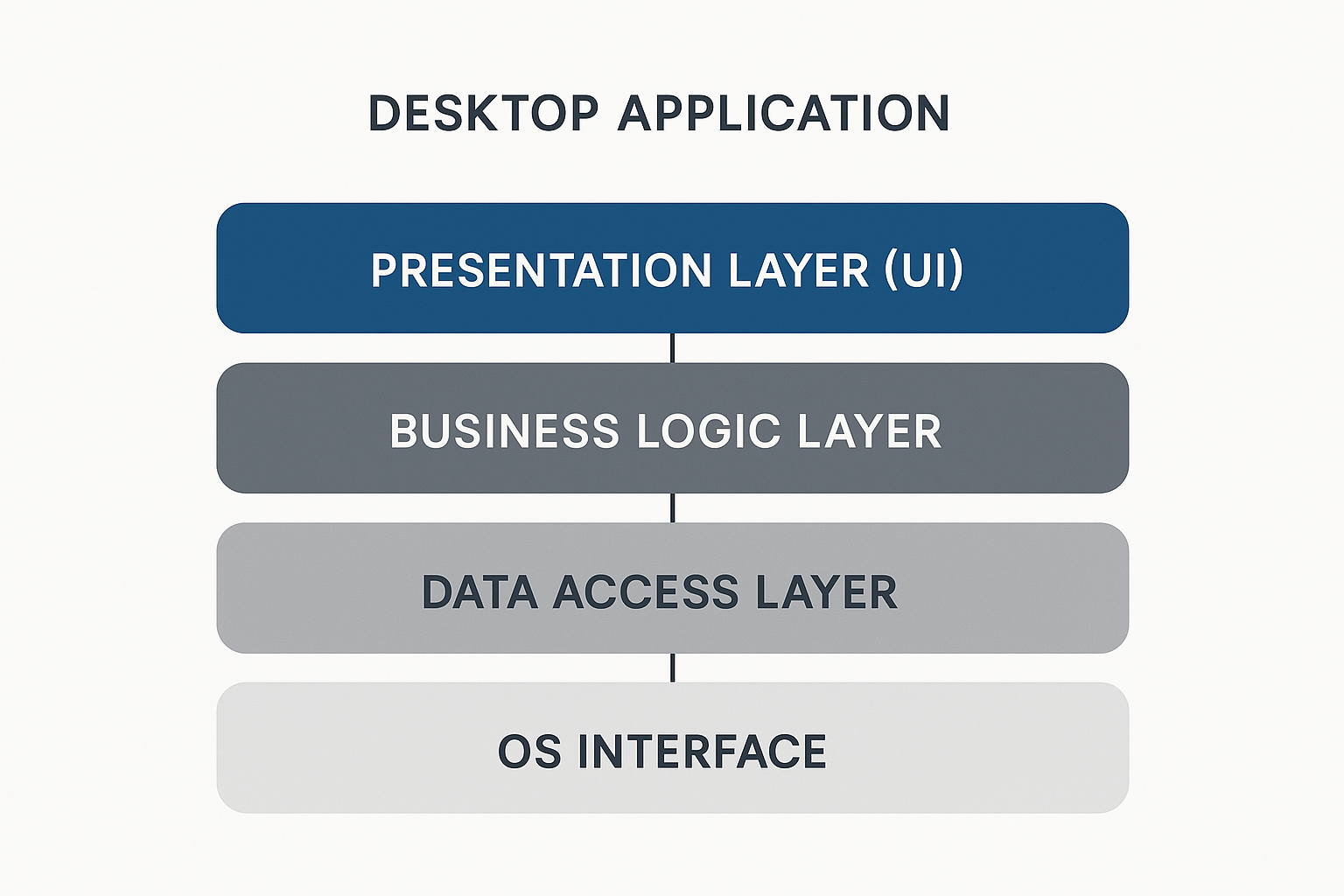
Typical Architecture Layers:
- Presentation Layer: The user interface (UI) — buttons, menus, forms, and visual elements
- Business Logic Layer: Processes that manage data flow, calculations, and app rules
- Data Access Layer: Interacts with databases, file systems, or external APIs
- Operating System Interface: Connects the app to system resources such as memory, GPU, and storage
A clean separation of these layers improves maintainability and scalability.
Popular Frameworks for Desktop App Development
Modern frameworks make it easier to build feature-rich desktop applications:
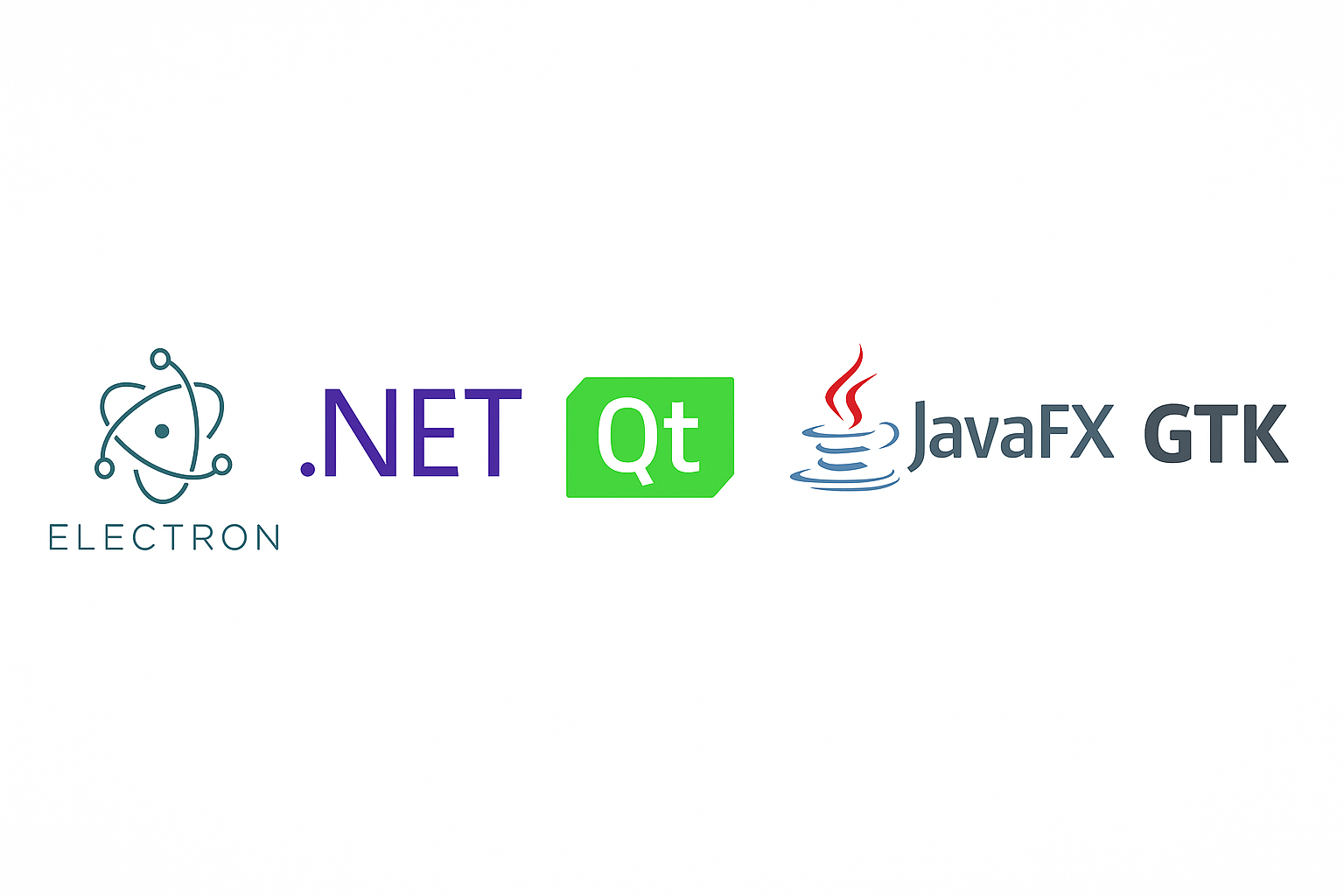
- Electron.js: Cross-platform apps using JavaScript, HTML, and CSS
- .NET (WPF/WinForms): Ideal for Windows desktop apps with advanced UI controls
- Qt: C++-based, cross-platform, great for high-performance apps
- JavaFX: Java-based framework for interactive UIs
- GTK: Open-source toolkit for Linux desktop software
Advantages of Desktop Applications
Desktop apps continue to excel in various domains due to their unique benefits:
- Performance: Direct hardware access ensures better speed and responsiveness
- Security: Local data storage minimizes exposure to network threats
- Offline Availability: Operates without a constant internet connection
- Customizability: Leverages OS-level APIs for advanced features
- Integration: Can interact deeply with peripherals like printers, scanners, and cameras
Desktop Apps vs. Web Apps vs. Mobile Apps
While all three types serve users, their strengths differ:
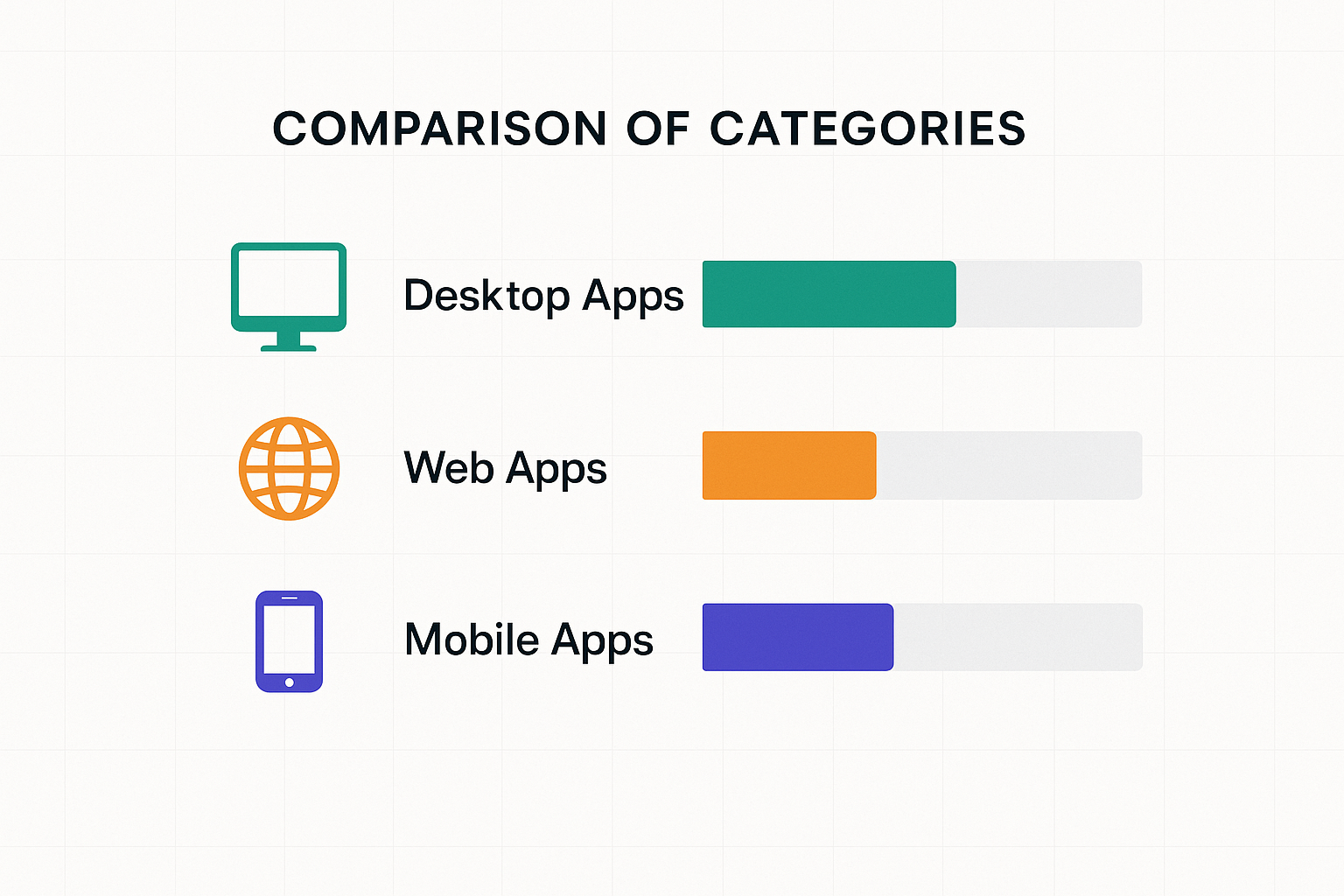
| Feature | Desktop Apps | Web Apps | Mobile Apps |
|---|---|---|---|
| Performance | High | Moderate | Moderate to High |
| Hardware Access | Full | Limited | Moderate |
| Offline Use | Full | Limited | Partial |
| Installation | Required | None | Required |
| Portability | Platform-Specific | High | High |
The Future of Desktop Applications
Desktop software is evolving alongside new technologies:

- Hybrid Apps: Combining web technologies with native performance
- Cloud Integration: Seamless syncing and remote storage
- AI-Driven Features: Intelligent automation and personalized user experiences
- Cross-Platform Development: Single codebases for all OS environments
- Enhanced Security Models: Zero-trust frameworks and biometric authentication
Why Invest in Desktop App Development?
Businesses still rely heavily on desktop solutions for productivity tools, creative software, enterprise resource planning (ERP), and scientific modeling.
Their reliability, processing power, and offline capabilities make them indispensable in many industries.
Need a Custom Desktop App?
Looking to build a professional, high-performance desktop application tailored to your needs?
